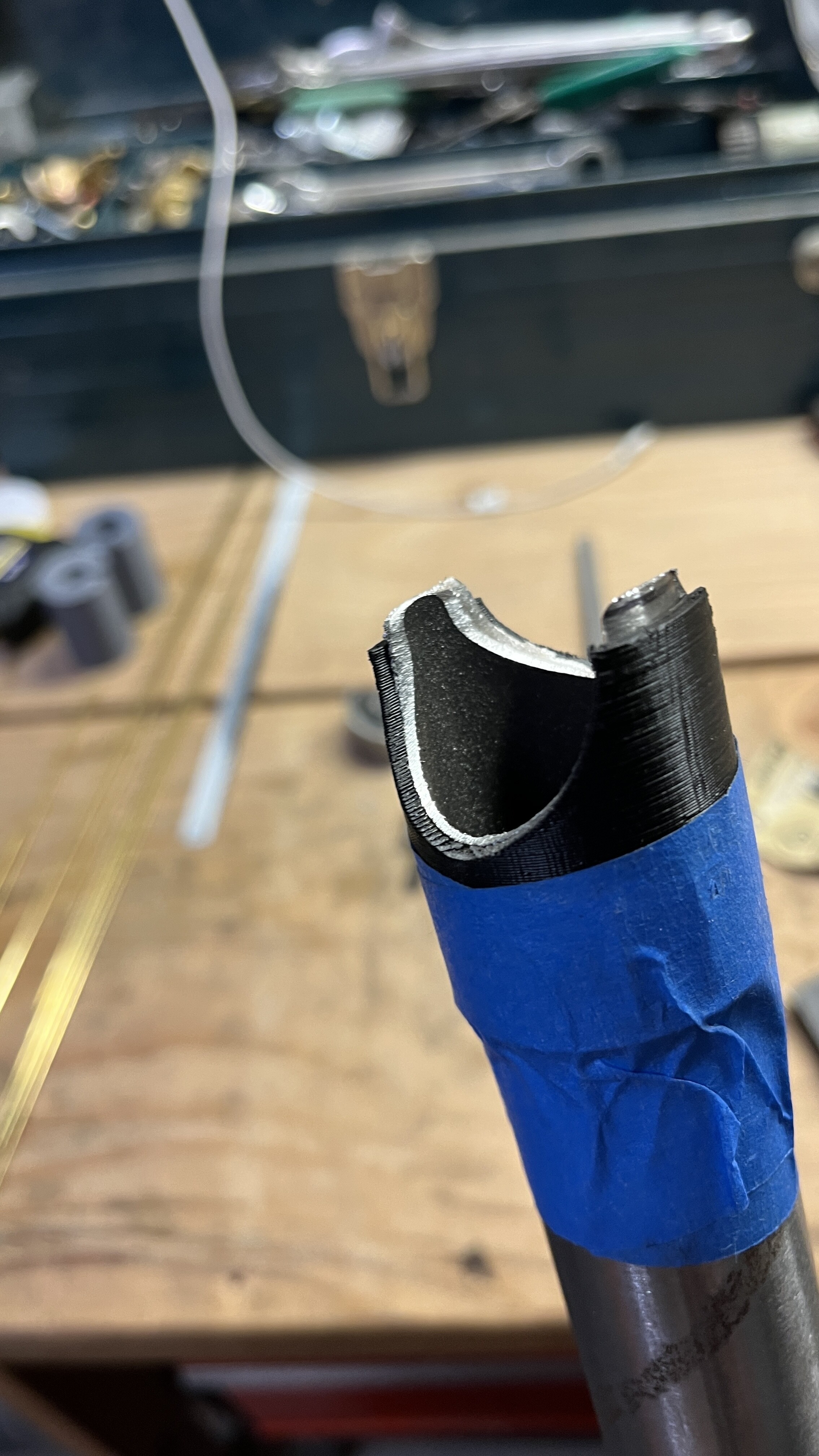
I made a bare bones simple cutting guide in a Fusion360 file.
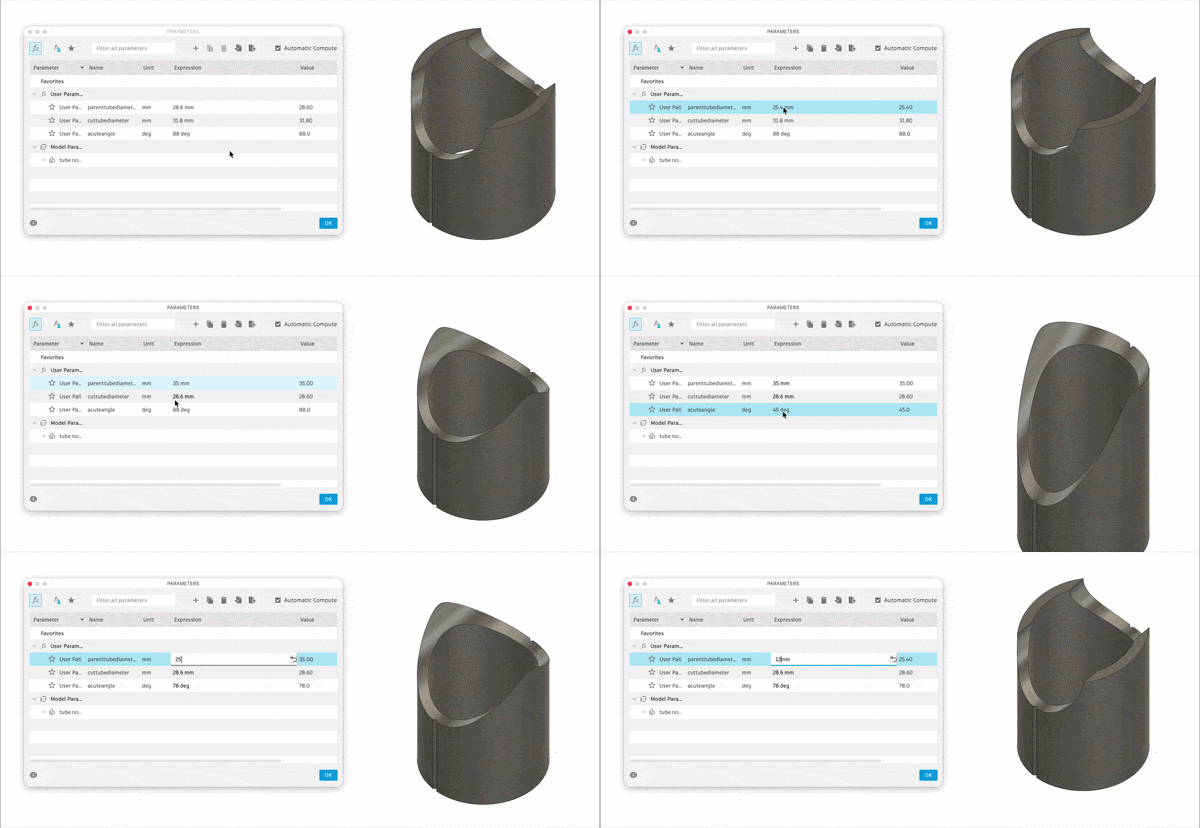
To use:
- open file (duh)
- adjust parameters in the “Modify - Changer Parameters” function
- change the parent tube (the one you aren’t cutting)
- change the cut tube ( the one you are cutting)
- change the acute cut angle (has to be acute OR ELSE)
- press ok.
tube cutting tool.f3d (106.0 KB)
In the case you are cutting a tube with a larger diameter than the parent tube, the guide will be cut along the centerline of the parent tube. If you want a fully pierced design, you could print two guides and stack them on top of each other.
Right now the tool uses a .1mm offset to account for 3D printing tolerances. If you dig into the sketches, you’ll find it. So you should be able to 3D print the output from the tool without making any adjustments. But it’s a free tool, you can make any adjustment you want to make. I don’t care.
The guides are created so that the thickness of the 3D print will be the guide for the surface of the parent tube. If you want the 3D print to be thicker, I guess you could go into the sketches and change that too. I added some centerlines into the 3D print to help orient the guide.
Feel free to use, distribute, sell, etc. It’s yours to do with as you please.